Most event registration starts on a free form tool, because it takes ten minutes. The cost arrives later: the responses live in a spreadsheet that knows nothing about tickets, nothing about badges and nothing about who actually walked in. Every downstream step becomes an export, a lookup and a retype.
The evenclo form builder produces the record the rest of the event runs on. The field you add today is the field the badge prints tomorrow and the exhibitor sees on a lead card next month.
Custom fields you add, not fields you fight
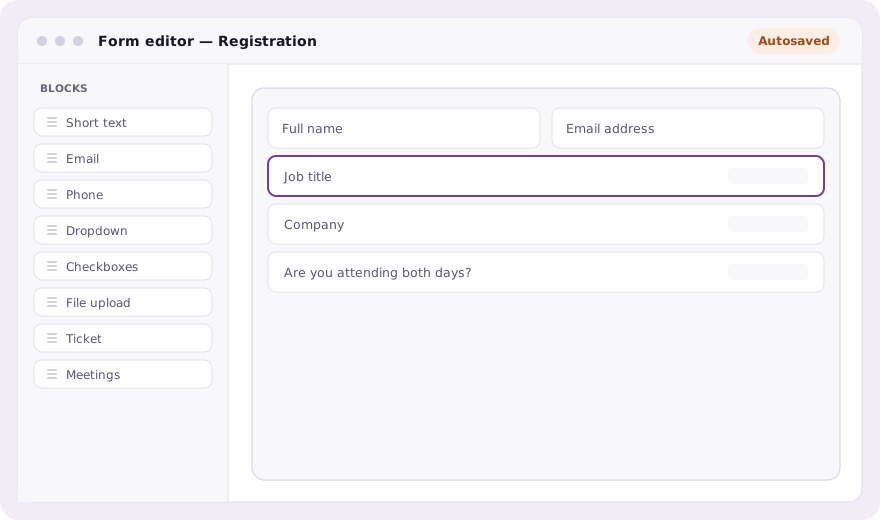
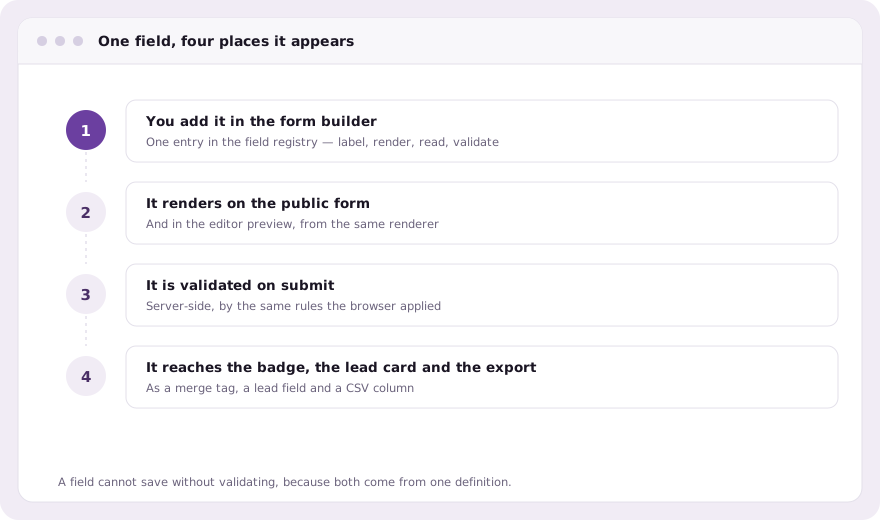
Each field type is one entry in a shared registry, which means the renderer, the validator, the editor menu and the browser’s value reader all derive from the same definition. Adding a question cannot leave one of those four behind: the class of bug where a field saves but never validates simply has nowhere to live.
Conditional logic that is written once
Show a question only when an earlier answer calls for it: a dietary field that appears for a dinner ticket, a company field that appears for trade visitors, a visa question that appears for one set of nationalities. The rules live in a single module that the server imports and the page inlines, so the browser and the server can never disagree about whether a field was required.
Tickets, capacity and payment on the same pass
A ticket field turns the form into a checkout. The attendee picks from your multiple ticket types, the price and capacity come from your ticket configuration, and payment happens in the same pass rather than in a separate tool that has to be reconciled afterwards. Free events skip the payment step entirely instead of charging zero.
Approval, duplicates and the awkward cases
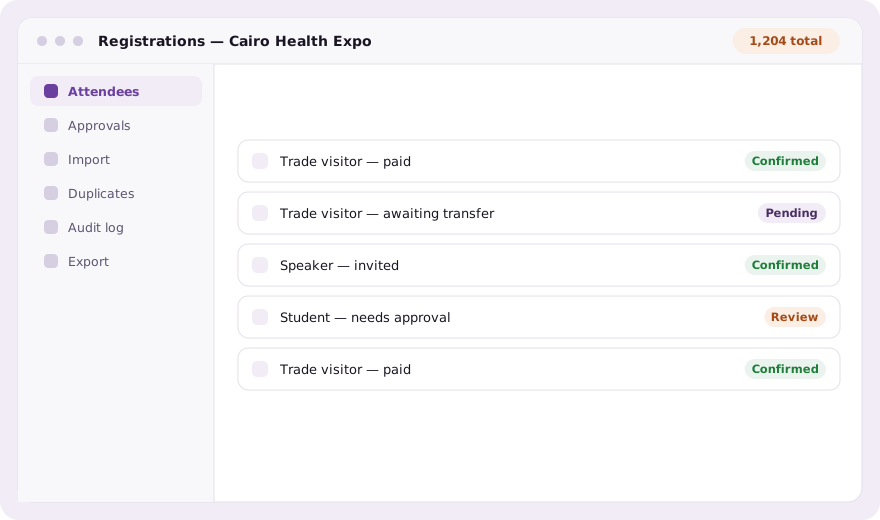
- Per-attendee-type approval, so students queue for review while trade visitors go straight through
- Duplicate detection, because the same person registers twice more often than anyone expects
- Bulk import from a spreadsheet for the list you already have
- An audit log that records who changed what, and when
- Per-person export and erasure for data requests
The same form, everywhere it appears
One renderer draws the public page, the editor’s live preview and the server-side validation on submit. That is why the preview is trustworthy: it is not an approximation of the form, it is the form. Prefilling works the same way: a link carrying a query parameter fills any field whose key matches, which is how the property explorer’s reserve button arrives with a unit already chosen.
Common questions
Can I build a custom registration form with conditional logic?
Yes. Conditional logic shows or hides a field based on earlier answers, and the same rules run in the browser and on the server so the two cannot disagree.
Does the registration form handle payment?
Yes. A ticket field turns the form into a checkout with price and capacity from your ticket setup. Free events skip the payment step rather than charging zero.
Can I import attendees I already have?
Yes, in bulk from a spreadsheet, with duplicate detection against the registrations already in the event.
Book a demo Thirty minutes, screen shared, in Arabic or English.